
### Blog Post:
Smart home hub installation is the key step in creating a connected, automated living space that actually works across devices. Whether you’re integrating a Matter-enabled hub or adding existing Zigbee and Z-Wave gadgets, getting setup right from the start will save you endless headaches, compatibility problems, and wasted time.
Key Takeaways
- Matter-enabled hubs are becoming the standard for easy, cross-platform home automation but still have limitations with legacy devices.
- Installation challenges often stem from device compatibility, network issues, and confusing setup instructions — especially for beginners.
- Costs can be reduced and future-proofing improved by understanding protocol differences, open-source options, and the hidden costs of commercial hubs.
- Understanding Smart Home Hub Installation
- Step-by-Step Smart Home Hub Installation Guide
- Advanced Analysis and Common Pitfalls
- Conclusion
- FAQ
Understanding Smart Home Hub Installation
Today, “smart home hub installation” is more than just putting a box on a shelf. It’s about building the foundation for secure, reliable, and streamlined control over lighting, heating, locks, sensors, voice assistants, and more. With the introduction of the Matter protocol, homeowners can finally bridge the compatibility gap between brands like Apple, Amazon, Google, Samsung, and Philips [source]. In 2024, the global Matter smart home hub appliance market topped $2.13 billion — reflecting the rush to simplify home automation.
For most users, the challenge isn’t desire but ease of use. Nearly 70% of Americans now own at least one smart device, but the full potential of home automation is unlocked only with the right hub and expertly managed installation [source]. This guide will break down what matters, highlight common obstacles, and lay out clear steps so you can avoid rookie mistakes, wasted money, and security gaps.

Step-by-Step Smart Home Hub Installation Guide
-
Choose Your Ecosystem and Hub
Start by listing all your current (and planned) smart devices. Check their protocols: Matter, Zigbee, Z-Wave, or Wi-Fi?
Popular options include Matter hubs (like Apple HomePod, Amazon Echo, Google Nest), Zigbee/Z-Wave controllers, or open-source solutions like Home Assistant.
For wide compatibility and future-proofing, aim for a Matter-enabled hub. If you have lots of older Zigbee or Z-Wave accessories, look for hybrid hubs or invest in compatible add-ons. -
Network and Power Setup
Smart hubs need a solid home network. Matter uses Thread (mesh), Wi-Fi, or both. Zigbee and Z-Wave create their own mesh but need their own USB sticks or integrated radios.
Place your hub centrally, away from thick walls or major appliances. Plug it into a reliable power source and connect via Ethernet if possible — Wi-Fi should be a backup for maximum reliability. -
Initial Hub Configuration
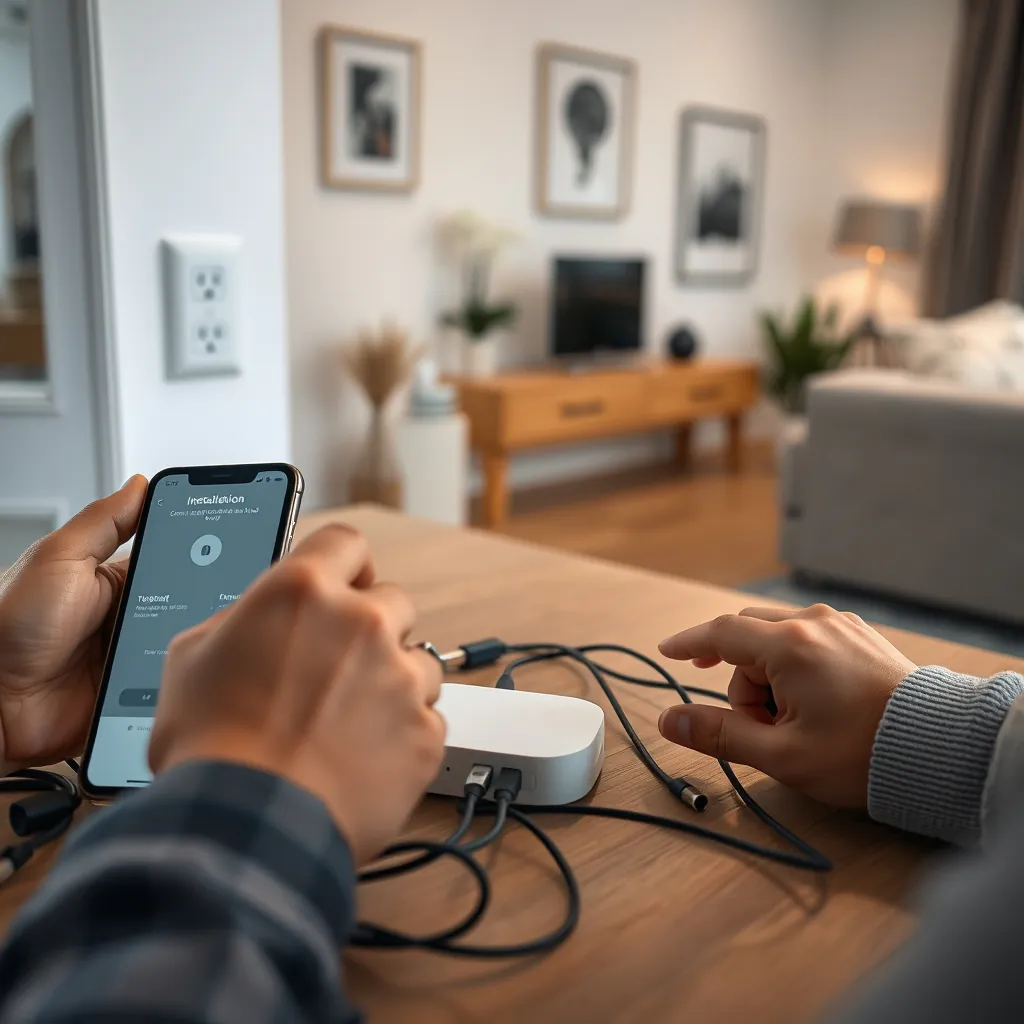
Use the manufacturer app or the hub’s built-in UI for onboarding. This involves software updates, establishing admin permissions, and pairing the hub to your home network.
Update firmware immediately to resolve security issues, enable new device support, and unlock bug fixes. -
Pair Devices and Integrate Ecosystems
Add devices one at a time. For Matter, scan the QR code or use NFC pairing. Zigbee devices need to be put in pairing mode; Z-Wave devices may require exclusion before inclusion.
Test each device to confirm responsiveness and reliability. For legacy devices, consider Matter bridges or hybrid hubs. -
Automate and Secure
Set up routines (schedules, triggers), use secure passwords, and enable end-to-end encryption whenever possible. Check app permissions and local control versus cloud dependency.
Back up your configuration, especially with open-source hubs like Home Assistant, where advanced scripting allows for detailed customizations.
Not sure which protocol you’re already using or want to test your Wi-Fi for coverage gaps? Tools like Wi-Fi analyzers and the Home Assistant Network Map can help. For a step deeper into open-source automation, explore LivingWise Reviews or our EV charger installation guide for tips on networking and device setup in complex homes.
Finally, integrate voice control setups (Google, Alexa, Siri) using the hub’s app. Test out routines and adjust automations based on real-world response time and reliability. Remember, initial setup takes patience — but once configured, daily life becomes simpler.
Advanced Analysis and Common Pitfalls
Even the best-planned smart home hub setups face obstacles, especially if you mix old and new devices or jump platforms.
Most Common Pitfalls:
- Perceived Complexity & Confusing UX: Many beginners quit setup because onboarding processes are too complicated, or device instructions do not match actual app screens. Trust in providers and user confidence is a major adoption barrier [source].
- Compatibility Limitations: Matter promises universal compatibility, but many legacy Zigbee/Z-Wave and Wi-Fi-only devices don’t work seamlessly or require additional bridges.
- Hidden Costs: Commercial hubs sometimes push you into subscription models for advanced automations, remote access, or cloud backups. Open-source Home Assistant eliminates these ongoing fees but has a steeper learning curve and higher manual setup costs.
- Voice Assistant Fragmentation: Integrating Alexa, Google Assistant, and Siri smoothly often leads to non-intuitive overlap, especially if you have non-Matter legacy devices in the mix.
- Wi-Fi Battery Drain: Battery-powered Wi-Fi devices (like door/window sensors) have much shorter runtimes compared to Zigbee/Thread counterparts. Plan replacements or consider mesh-based, hub-dependent devices instead.
- Security Gaps: Failing to update firmware, using weak passwords, or leaving default admin credentials exposes your network to major risks [source].
| Protocol/Hub Type | Pros | Cons | Best Uses | Approximate Cost* |
|---|---|---|---|---|
| Matter-Enabled Hub | Works with 500+ brands; seamless setup; supports Wi-Fi, Thread | Limited legacy support; not all advanced automation available yet | Most homes aiming for universal compatibility (2024+) | $50–$300 |
| Zigbee/Z-Wave Hub | Great for low-power sensors; rock-solid mesh reliability | Lock-in; only works with same-protocol devices; needs bridges for cross-brand support | Legacy devices; large homes with many sensors | $40–$130 |
| Home Assistant / Open-Source | Extreme customization; supports almost all protocols via add-ons | Difficult setup; requires tech knowledge; no dedicated support | Tech-savvy users; mixed-protocol homes; advanced automation | $50–$170 (one-time) |
*Commercial “intelligent building” systems can run $4,900–$6,900 if you want enterprise-level features [source].
If you run into issues during installation or automation, refer to our Garage Conversion ADU guide for tips on running new wiring or integrating legacy features, or look at home soundproofing approaches that can sometimes interfere with wireless signals. For those balancing aging-in-place or accessibility, bathroom safety upgrades might pair well with sensor-based automations for peace of mind.

Conclusion
Successful smart home hub installation is about choosing the right hub, understanding its limitations, and planning for reliable mesh networking. The Matter protocol now makes interoperable automation possible for most homes, but the learning curve, hidden costs, and device compatibility are real challenges you’ll want to address up front. As you expand your system, revisit best practices for firmware, network placement, and device pairing. If you’re just starting, or upgrading legacy gear, focus on hubs that bring together new and old—with smart home hub installation done right, your home will be simpler, safer, and smarter.
Ready to get started, or have questions on complex setups? Explore our step-by-step home improvement guides for more actionable advice—or leave a comment below to share your experience!
FAQ
What is the best location for a smart home hub?
Choose a central spot away from thick concrete, metal, or large appliances. This helps minimize signal loss and extends the range of your devices. Placement near a wired Ethernet connection can greatly improve reliability for hubs that support it.
Can I use Zigbee, Z-Wave, and Matter devices on the same hub?
Some advanced hubs (like Home Assistant or SmartThings) can pair devices on multiple protocols, often with dongles or built-in radios. Matter aims to unify new devices, but true cross-protocol management still requires hybrid solutions or bridges for legacy devices.
Why do some devices drop offline after setup?
Causes include weak wireless signal, interference, firmware bugs, or power-saving modes. For large homes, add repeater devices to strengthen your Zigbee or Z-Wave mesh, or consider moving your hub closer to the “problem” devices.
Are there hidden fees with smart home hubs?
Some commercial hubs charge for advanced automation, cloud storage, or remote access. Open-source solutions (like Home Assistant) have no ongoing fees but can require upfront hardware or more DIY troubleshooting.
Is smart home automation secure?
Security depends on updated firmware, strong passwords, and careful app permissions. Always run firmware updates promptly and monitor for vendor security alerts. Use end-to-end encryption when available, and avoid default admin credentials.